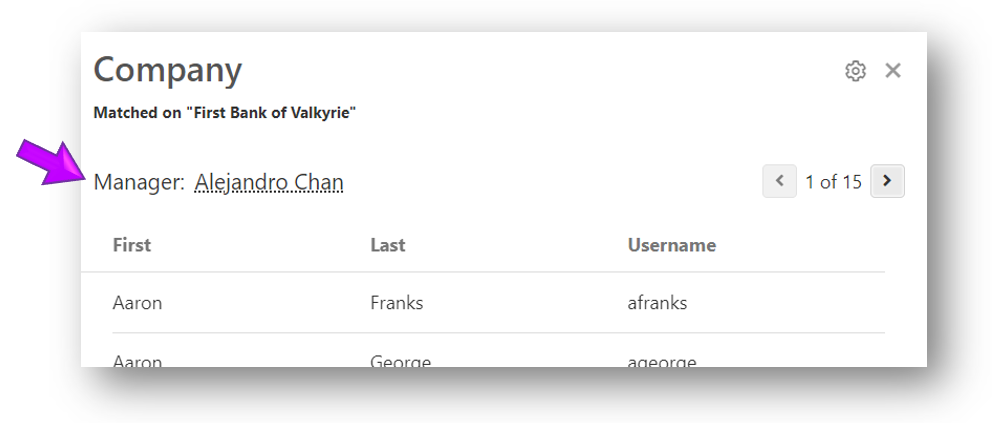
Assign a manager to an organizational unit
To assign a manager to an organizational unit, complete the following steps:
- From the Managers list, select the organizational unit to which you want to assign a manager. The details panel appears.
-
Select the Actions button (ellipses) in the upper right corner of the details panel, and pick Assign Manager from the list.
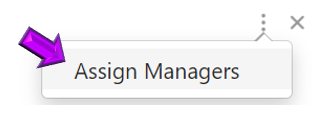
The Assign Manager window appears, allowing you to assign a manager to the organizational unit. 3. In the Select an identity field, type the name of the identity or scroll down and pick the identity from the list.
Tip
You can add up to three managers for each organizational unit.
-
Select Save. The newly assigned manager is displayed in the details panel.