Export access model permissions
The Export feature allows you to print a report that provides a list of all identities assigned to an access model along with the applications and permissions allowed (see sample below).
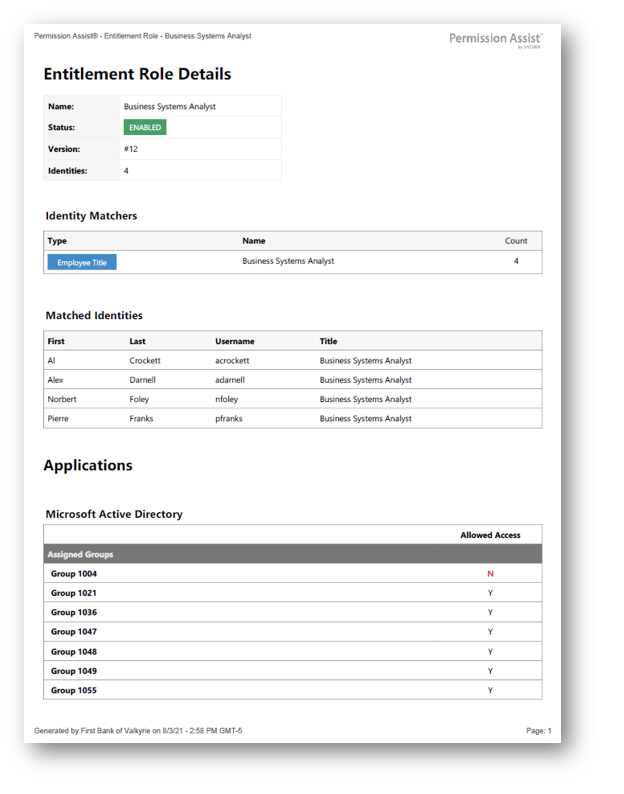
To print the Access Model Details report, complete the following steps:
- From the Access Models list, select the access model you want to change. The access model's detail page is displayed.
- Select the Export button in the top right corner of the page and pick the report format (Excel or PDF).
- If the Save As window appears, select the folder to which you want to save the report, and select the Save button. The report is saved.