Product license
The Product License page allows you to update your Permission Assist license key.
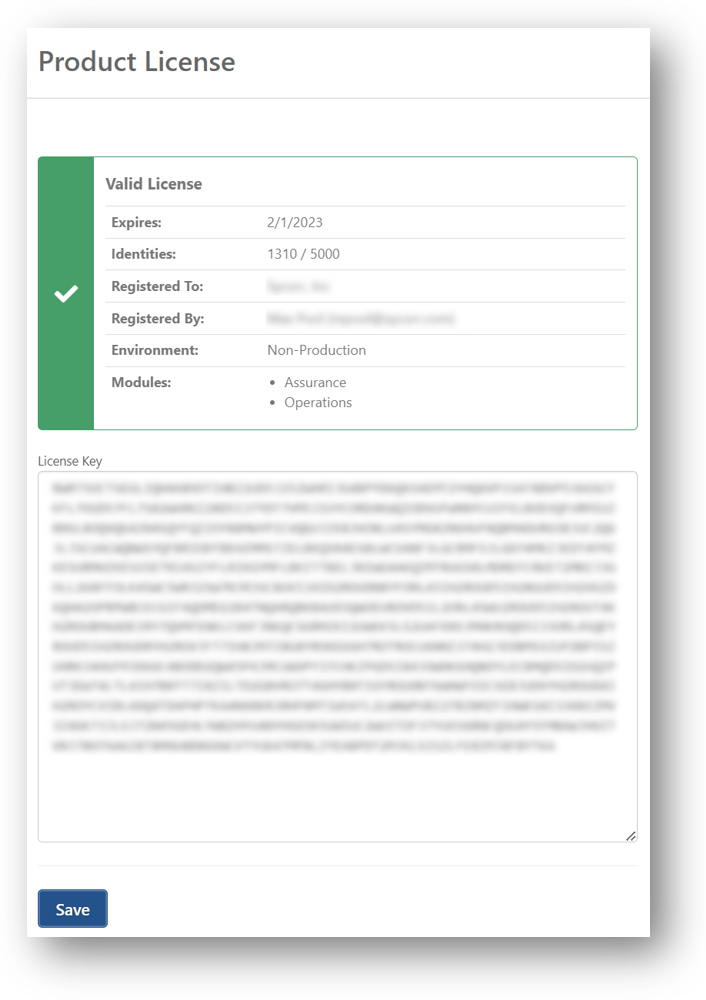
When a valid license is entered, the following information is displayed:
| Field | Description |
|---|---|
| Expires | Displays the expiration date of the license. This is based on your annual maintenance renewal date. |
| Identities | Displays the number of identities that have been imported from your directory source and the total number of identities your current license allows. Disabled, removed, or ignored identities do not count toward your total number allowed. In addition, accounts belonging to the same person may be combined using the Also Known As feature. |
| Registered to | Displays the name of your financial institution. |
| Registered by | Displays the name of the primary contact for Permission Assist within your financial institution. |
| Environment | Indicates whether the license is for a production or non-production environment. Each financial institution receives both a production and non-production license. |
| Modules | Indicates the modules your license allows you to access within Permission Assist. |
Update your Permission Assist license
To update your Permission Assist license, complete the following steps:
-
Go to the System Configuration cogwheel in the upper right corner of Permission Assist and select Product License. The Product License page is displayed.
-
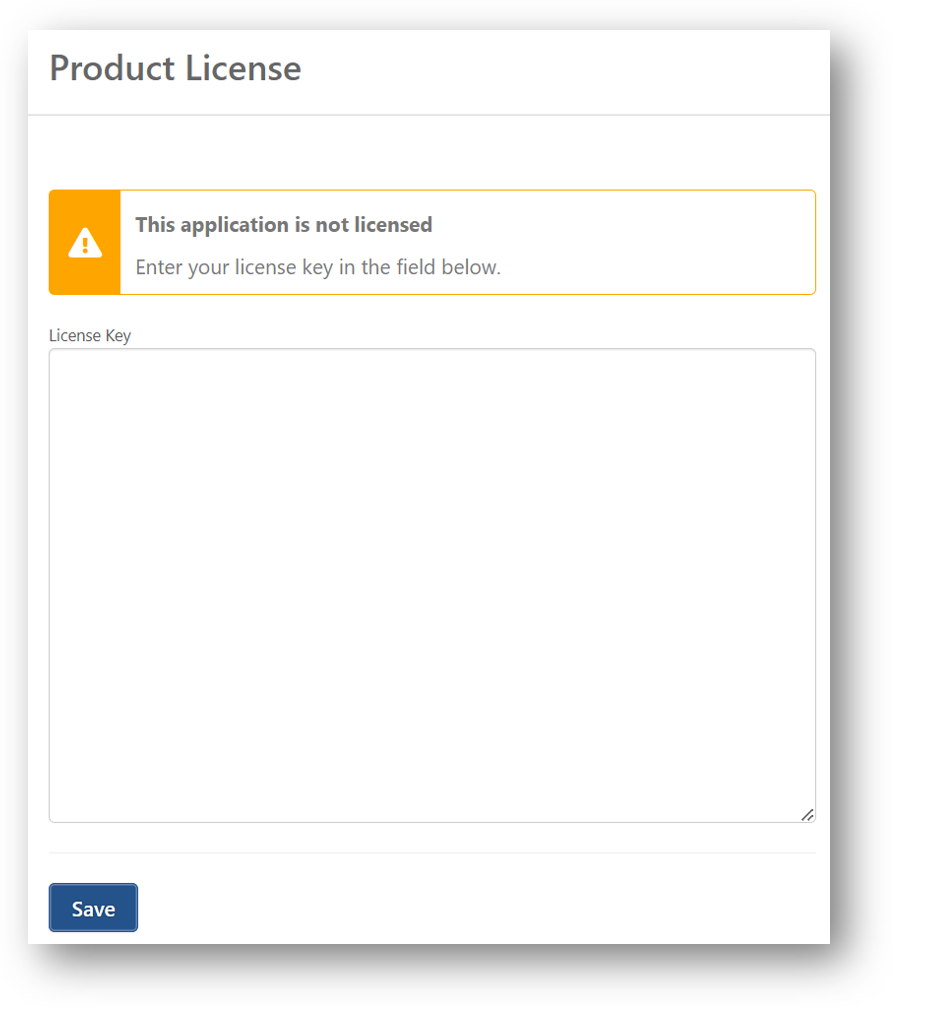
Copy and paste your license key in the License Key area.
-
Select the Save button. When a valid license is entered, a green check mark appears and license information such as expiration date and number of identities is displayed.