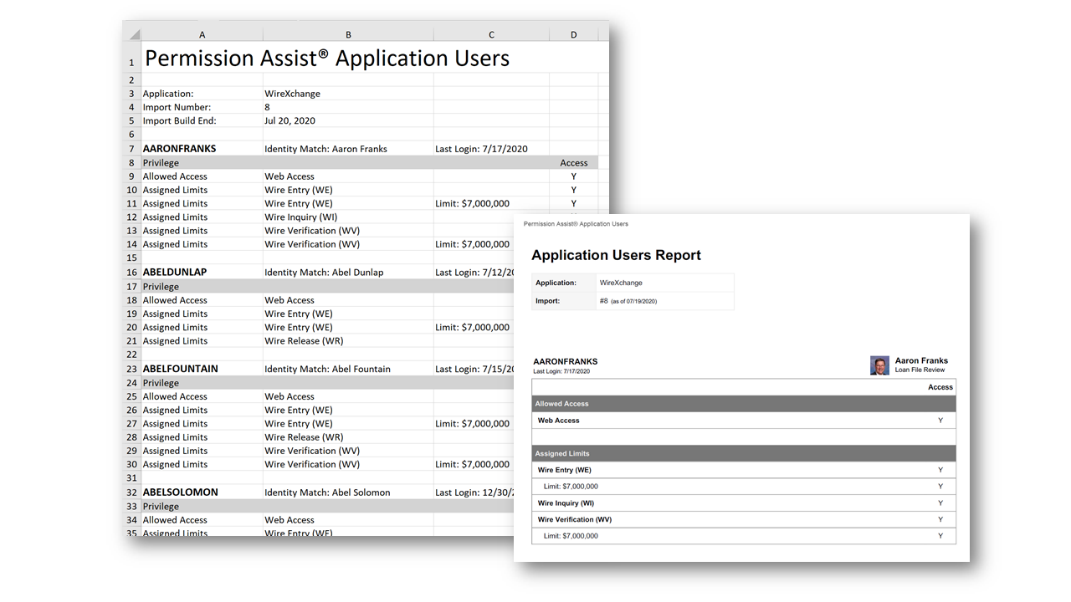
Export application user information
User data can be exported as a Summary report or Detail report. Both reports are available in either Excel or PDF format.
To export the user data, complete the following steps:
-
Go to the Reports menu and select Applications.
-
Select the Reporting For field and then pick an application from the list.
-
Select the Application Users report.
-
Select the Export button.
-
Pick either Summary or Detail under the format of your preference (PDF or Excel). The Save As window appears, allowing you to save the file to the location of your choice. The report is downloaded.
Sample summary reports
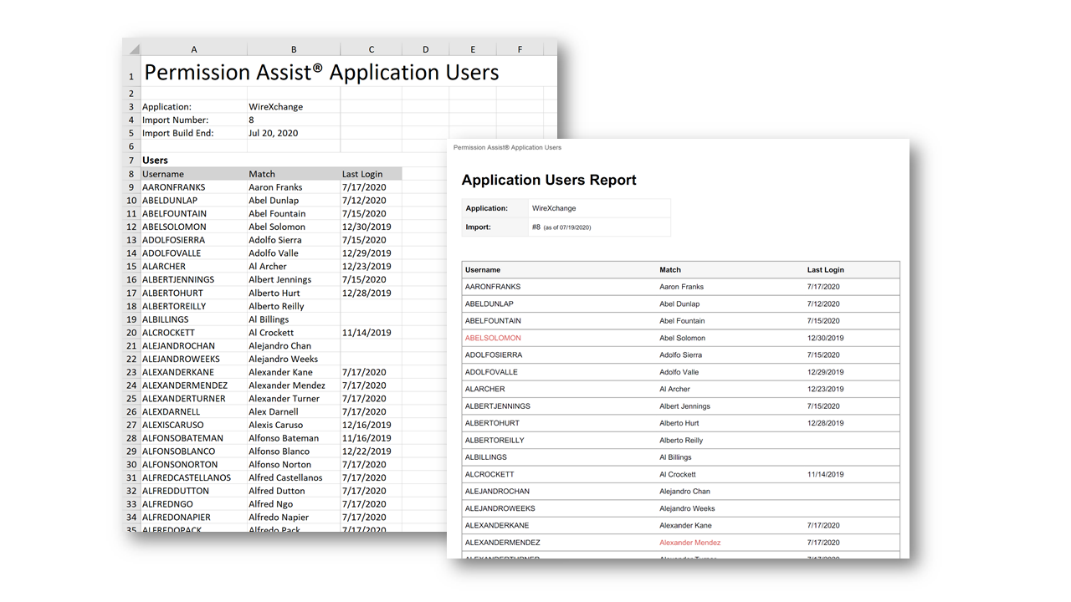
Sample detail reports