Application connectors
Connectors are used to import application security data.
To see the list of all application connectors, complete the following steps:
-
Go to System configuration and select Software Updates.
-
Select the Plugins option.
-
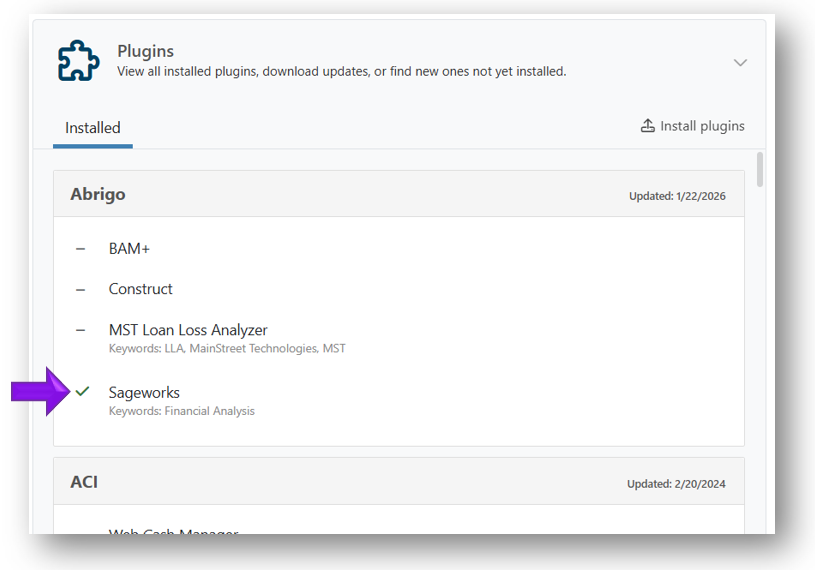
Select the Installed tab. A full list of connectors is displayed. The connectors are ordered by Vendor name, and the connectors you're currently using will show a green check mark next to the name of the application connector.
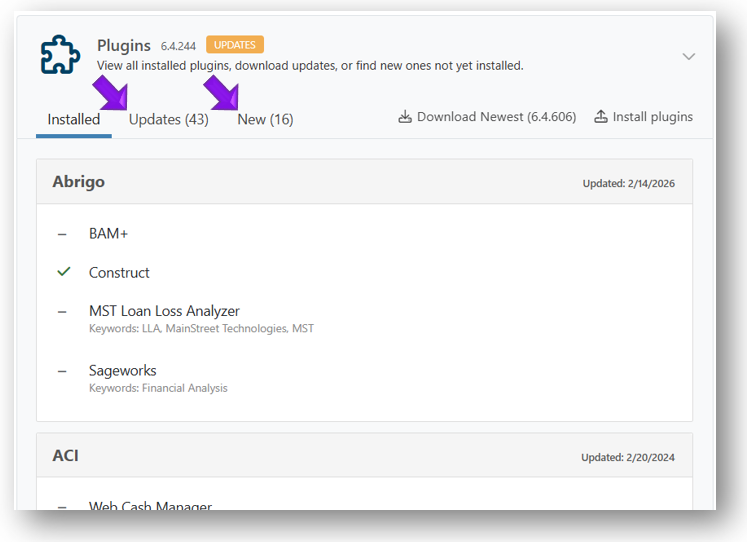
If new or updated connectors are available, the Updates and New tabs are also displayed (see example below).
Related topics: