Logging in using the system recovery password
The recovery username and password provide Administrator access to Permission Assist. They are meant to be used temporarily and only when:
- Initially setting up Permission Assist
- You are not able to log in using your regular username and password because the connection between your primary directory source (such as Active Directory) and Permission Assist was somehow disconnected
To log in to Permission Assist, complete the following steps:
- On the Permission Assist login window, enter
pa-adminas the username. - Enter your system recovery password. If you just finished installing Permission Assist for the first time, enter
continuousas the password. We recommend changing this password as soon as possible. - Select the Sign In button. You are logged into Permission Assist as an Administrator.
When using SSO
If you are using "forced" SSO and you need to log in using the recovery password, complete the following steps:
- Enter the Permission Assist URL in the address bar at the top of your internet browser and then add
/account/recoverto the end of the URL. For example:https://reviews.yourbank.com/account/recover -
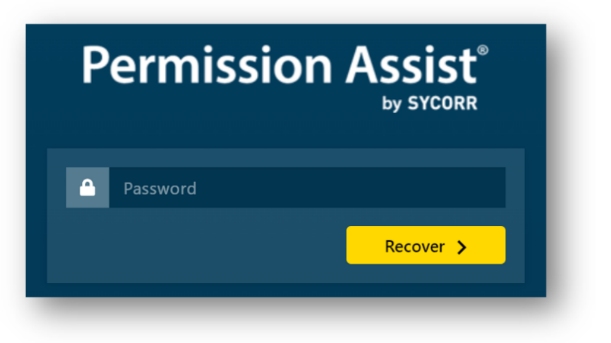
After pressing the Enter key, the account recover login page appears.
-
Enter your account recovery password (no username is needed). You will be logged into Permission Assist as an Administrator.